If you need to change your Muno payout details, review the destination carefully before selling USDT or USDC for Naira. Confirm that your Nigerian bank or neobank details are accurate, check that the destination is supported, and have your authenticator 2FA ready. Muno requires authenticator 2FA for payout changes because payout details affect where your Naira is sent.
Muno’s current product information confirms the security requirement and the supported payout route. It does not verify that a payout-detail change is instant, reversible, or available through a particular screen, so avoid assuming that the process works like a standard bank-app edit. Instead, treat the change as an account-security action and verify the details before starting a swap.
Why you might need to review or change Muno payout details
A payout destination may need attention when:
- You want your Naira sent to a different Nigerian bank account.
- You have moved from a traditional bank to a neobank.
- Your previously saved account number or bank selection is inaccurate.
- You opened a new account and want to use it for future swaps.
- You are preparing to sell USDT or USDC and want to confirm where the payout will go.
- You notice that the selected receiving institution does not match the account you intend to use.
The important distinction is between changing account payout details and reviewing the destination for one transaction. A saved payout setting affects future account activity, while the payout details shown for a particular swap should be checked again before you confirm and send crypto.
Do not assume that changing a saved destination automatically changes a transaction already in progress. If a swap has already been confirmed or crypto has already been sent, follow Muno’s current support process rather than trying to correct the situation through another transaction.
What to check before changing your payout details
Before entering new information, separate your checks into two groups: account-security checks and transaction-detail checks.
Account-security checks
1. Use your own Muno account
Only change payout details from your own authenticated Muno account. Do not provide account access, passwords, authenticator codes or other security information to someone claiming to be helping you.
Muno requires authenticator 2FA for sign-in and payout changes. This means a password or sign-in credential alone is not enough for these sensitive actions.
2. Have your authenticator 2FA ready
A payout destination determines where your Naira can be sent, so a request to change it is more sensitive than an ordinary profile update. Authenticator 2FA adds a separate verification step when someone attempts to access the account or change payout settings.
The practical check is simple: make sure you can access the authenticator associated with your Muno account before beginning. Never share a one-time authentication code with another person, even if they claim to represent Muno.
If you cannot access your authenticator, do not guess, disable security controls informally, or submit repeated changes. Use Muno’s official support route for help with account access.
3. Confirm that you are using the official Muno route
Use Muno’s official website, Muno.ng, rather than a link sent unexpectedly by a stranger. Check the address before entering login or payout information.
This article explains what to review. It does not provide a recovery process for lost 2FA access or incorrect submitted details because those instructions must come from Muno’s current official support process.
What Nigerian bank or neobank information should you check?
For a Naira payout, the details must accurately identify the Nigerian receiving destination. Before saving or confirming a change, check:
- The selected financial institution
- The account number
- The account name shown or associated with the destination, where available
- Whether the institution is the account you personally intend to use
- Whether the destination is listed as supported by Muno
- Whether the details contain typing, copying or selection errors
Take extra care when entering an account number manually. A single incorrect digit can point to a different account or prevent the payout from being processed correctly. Copying details can also create mistakes if you copy an extra space or select the wrong saved account.
The name of a bank or neobank is not enough by itself. Confirm the complete destination, including the account number and selected institution, before proceeding.
Can a payout be sent to any Nigerian bank or neobank?
No. Muno’s payout information states that Naira payouts are sent to supported Nigerian banks and neobanks, including destinations connected through the supported payout route. The fact that an institution operates in Nigeria does not, on its own, prove that it is available for your Muno payout.
Check the currently available destination list during the account or transaction flow. If your preferred bank or neobank is not shown as supported, do not substitute a different institution without checking that the replacement account belongs to you and is accepted for the payout.
Muno’s website describes support for Nigerian bank and neobank destinations, but supported institutions can change. The live selection available to you should take priority over an old list, a social-media post or an assumption based on another user’s experience.
Why authenticator 2FA matters for payout changes
Authenticator 2FA is relevant to payout changes because the risk is not limited to someone viewing your account. An unauthorised person who changes the destination could attempt to redirect a future Naira payout.
Muno requires authenticator 2FA for both sign-in and payout changes. That requirement helps place an additional verification step around access and destination settings. It does not mean that a user can skip checking the bank information, and it is not a guarantee against every possible account or transaction problem.
Think of the process as two separate controls:
- 2FA checks whether the account action is authorised.
- Your review checks whether the payout information is accurate.
Both matter. A correctly authenticated change can still be wrong if you select the wrong bank or enter an incorrect account number.
Check the asset and network before sending crypto
Changing payout details is only one part of preparing for a Muno swap. Before selling, confirm that the crypto transaction itself matches Muno’s supported route.
Muno currently supports USDT and USDC as SPL tokens on Solana for the stated Nigeria route. Check all of the following before sending:
- Whether you are selling USDT or USDC
- Whether the asset is held on Solana
- Whether it is the SPL version supported for the swap
- Whether your wallet can send that asset on Solana
- Whether the destination address and network shown for the current swap match
- Whether you are using the fresh deposit address created for that specific swap
The ticker alone is not enough. USDT or USDC can exist across different networks, and a wallet balance labelled with a familiar symbol does not automatically confirm that it is the supported Solana version.
Do not send crypto until the asset, network, wallet and current Muno instructions match.
Review the quote before confirming the swap
After checking your payout destination, review the quote for the specific transaction. Muno’s product information states that the quote shows:
- The rate
- The expected Naira amount
- The network fee
- The service fee
Use the quote to answer a practical question: Does the expected payout still make sense after the listed fees, and is it going to the destination you just checked?
Do not focus only on the headline rate. Confirm the final expected Naira amount, then compare it with the bank or neobank details shown for the payout. If the destination is wrong, incomplete or unclear, pause before confirming.
A useful pre-send rule is:
Do not send USDT or USDC until the destination, asset, network, quote and fees all agree with what you intend to do.
When network confirmation becomes relevant
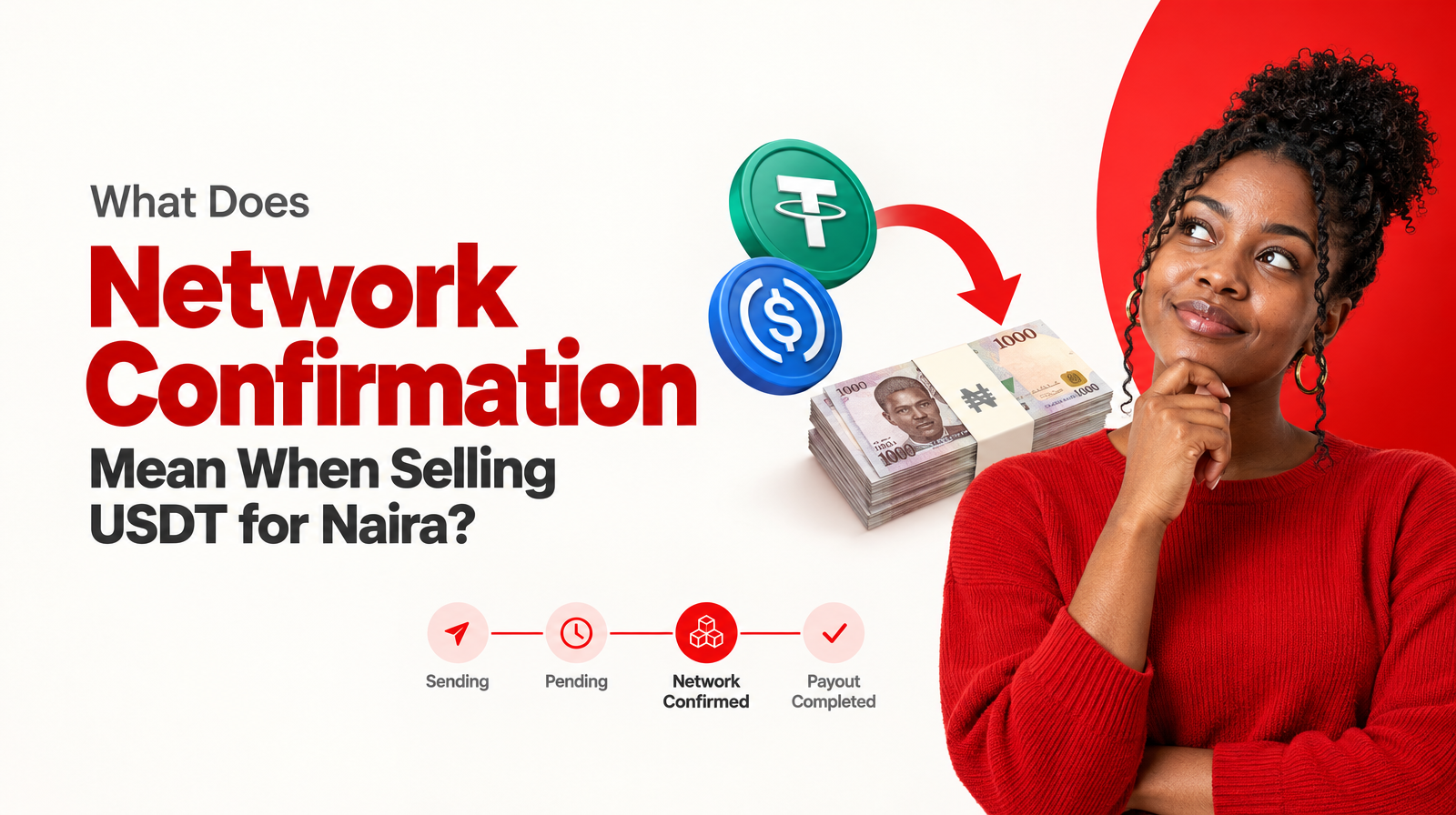
Network confirmation is the stage after you send the supported crypto and before Muno sends the Naira payout to the supported Nigerian bank or neobank.
That means changing payout details does not replace the blockchain transaction. You still need to:
- Confirm the payout destination.
- Select the supported asset and network.
- Review the rate, expected Naira and fees.
- Confirm the swap.
- Send the correct crypto to the fresh deposit address for that swap.
- Wait for network confirmation.
- Receive the Naira payout through the supported destination.
Network confirmation is therefore relevant after the crypto has been sent. It is not the same as bank-account verification, and it does not correct an inaccurate payout destination.
A practical checklist before you submit a payout change
Use this checklist before changing or confirming your Muno payout details:
Security
- You are signed in through the official Muno route.
- You can access your authenticator 2FA.
- You are not sharing your password or authentication code.
- You understand that payout changes require authenticator 2FA.
Payout destination
- The selected bank or neobank is supported.
- The account number is correct.
- The destination belongs to you or is the intended receiving account.
- The selected institution matches the account number.
- You have reviewed the details rather than relying on memory.
Swap details
- You selected the intended asset: USDT or USDC.
- The asset is supported as an SPL token on Solana.
- Your wallet supports the required asset and network.
- The deposit address is the fresh address created for this swap.
- The quoted rate and expected Naira are acceptable.
- The network fee and service fee are visible and understood.
- You have not sent crypto while any detail remains uncertain.
What if you are unsure about the change?
Pause before sending crypto. A payout-detail change and a crypto transfer are separate decisions, and neither should be rushed because you already opened a swap.
If the destination is not listed, the account information looks wrong, your 2FA access is unavailable, or you have already submitted incorrect details, use Muno’s official support channel for current guidance. Do not create a second swap to “test” the payout route, and do not send crypto to an address or destination copied from an older transaction.
Muno is non-custodial, meaning your crypto remains in your own wallet until you choose to send it for a specific swap. That gives you an opportunity to review the transaction before sending, but it also means the final checks remain important.
Final takeaway
To change your Muno payout details safely, start with the destination rather than the crypto. Confirm the Nigerian bank or neobank, account number and supported status, then complete the required authenticator 2FA step. Before selling USDT or USDC for Naira, separately review the asset, Solana network, fresh deposit address, quoted rate, expected Naira, network fee and service fee.
Muno sends Naira payouts to supported Nigerian banks and neobanks after network confirmation. Accurate payout details and careful pre-send review help ensure that the swap instructions match the destination you intend to use.