
To sell USDT or USDC for Naira in Nigeria, you need the supported stablecoin on the correct network, access to the wallet holding it, a verified Muno account, authenticator 2FA, accurate Nigerian bank details and enough information to review the swap before sending.
Muno supports USDT and USDC as SPL tokens on Solana. Your crypto remains in your own wallet until you send it for a specific swap. Before you confirm, Muno shows the rate, expected Naira payout, network fee and service fee. After the Solana transaction is confirmed, the Naira payout is sent to a supported Nigerian bank or neobank.
The most useful way to prepare is to treat the process as a readiness check. Confirm each requirement before you move any crypto.
Quick checklist before selling USDT for Naira
Have these details ready:
- USDT or USDC on Solana
- A wallet that gives you access to the supported SPL token
- The correct amount of crypto to sell
- A Muno account with the required identity verification completed
- Authenticator 2FA for sign-in and payout changes
- Your Nigerian bank or neobank payout details
- Time to review the current quote and fees
- The ability to check the transaction status after sending
If any of these details are unclear, pause before transferring crypto. A blockchain transaction sent to the wrong asset, network or destination may not be reversible.
Can you sell USDT or USDC for Naira through Muno?
Yes. Muno supports selling USDT and USDC for Naira in Nigeria.
The sell route is for someone who already holds supported crypto and wants a Naira payout. It is different from the buy route, where you pay Naira and receive USDT or USDC in your own wallet.
The distinction is simple:
- Sell: You send supported USDT or USDC and receive Naira.
- Buy: You pay Naira and receive supported USDT or USDC.
For a cash-out, select the sell option and choose the asset you actually hold. Do not select USDT if the wallet contains USDC, or the other way around.
Which network does Muno support for USDT and USDC?
Muno currently supports USDT and USDC as SPL tokens on Solana.
This means that the asset and network must match the instructions for the current swap. It is not enough for a wallet to display “USDT” or “USDC” generally. The token must be supported in its Solana form for the route you are using.
Before sending, check:
- The selected asset: USDT or USDC.
- The selected network: Solana.
- The token format: SPL.
- The deposit address generated for the current swap.
- The amount and transfer instructions shown by Muno.
USDT or USDC on another network should not be sent to a Solana deposit address. If your stablecoin is held on a different network, do not transfer it until you have confirmed that the route is supported. Muno’s current supported route is Solana for these assets.
Does your wallet need to support SPL tokens on Solana?
Yes. If you are selling through Muno, your wallet must be able to send the selected USDT or USDC as an SPL token on Solana.
Your wallet should also give you control over the transaction. You need to be able to select the correct asset, choose the Solana network and approve the transfer yourself.
A practical wallet check includes:
- Can the wallet display the exact USDT or USDC balance you want to sell?
- Is that balance held on Solana?
- Does the wallet identify the token as an SPL token?
- Can you send the asset on Solana?
- Can you review the destination address before approving?
- Do you have access to the wallet credentials or signing method needed to complete the transfer?
A wallet that supports crypto in general may not support every asset and network combination. Confirm the exact route rather than relying on the token name alone.
Do you need to keep crypto in a Muno balance before selling?
No. Muno is non-custodial, so you do not need to deposit USDT or USDC into a permanent Muno balance before deciding to sell.
Your crypto remains in your own wallet until you choose to send it for a swap. Muno does not hold a customer crypto balance between transactions.
When you are ready, Muno creates a fresh deposit address for that specific swap. The address expires after the swap and is not reused. Use the address shown for the current transaction rather than copying one from an earlier cash-out.
This is an important preparation point: create or open the current swap first, then use its current instructions. Do not send crypto to an old address simply because it appeared in a previous transaction.
Non-custodial does not mean a transfer can be cancelled after you approve it. You remain responsible for checking the asset, network, amount and destination before sending.
What should you review before sending crypto?
The quote is the main decision point before a cash-out. Review it carefully rather than focusing only on the headline rate.
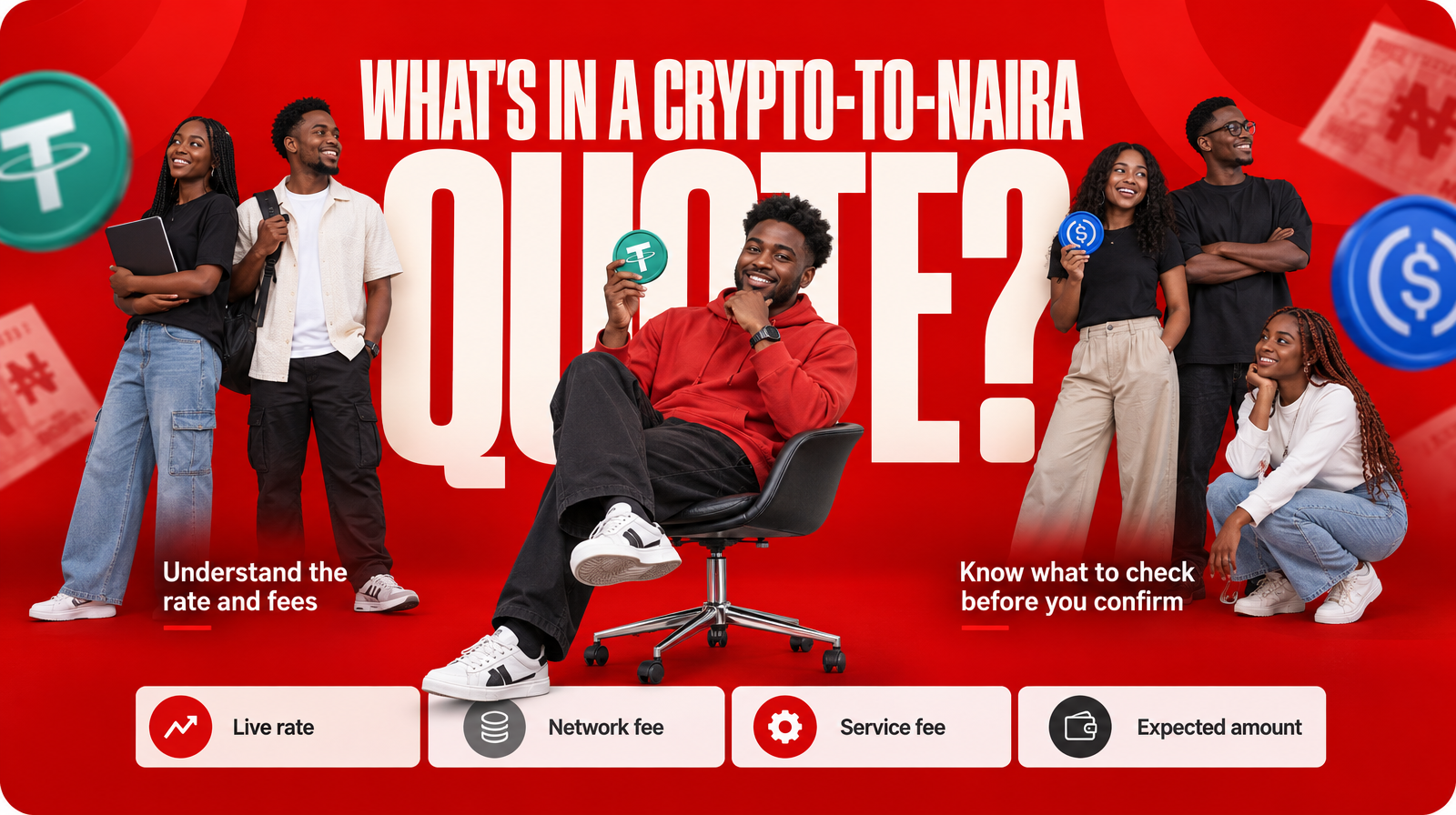
Muno’s quote shows:
- The asset you selected
- The Solana network route
- The applicable rate
- The gross Naira value
- The network fee
- The service fee
- The expected Naira amount
This lets you compare the crypto amount you are sending with the estimated amount you should receive after the listed deductions.
Use the quote as a transaction-specific summary. Rates and fees may vary between swaps, so do not assume that a previous quote still applies. If the expected Naira amount, selected asset or fee details are not what you intended, stop and review before confirming.
A useful pre-send question is:
If I send this exact asset and amount using this exact Solana route, do I understand the expected Naira payout and every listed fee?
If the answer is no, do not send yet.
Is NIN verification required for Muno payouts?
Muno verifies your NIN once as part of its account and payout process. The verification helps connect payouts to your own account and Nigerian bank destination.
Complete the identity step through the Muno process before expecting to cash out. Make sure the details you provide are accurate and belong to you. Identity verification should be completed through Muno’s official service rather than through an unofficial message or third party.
NIN verification is separate from checking your wallet. You still need to confirm the asset, network, address and amount for every swap.
Why is authenticator 2FA relevant to a cash-out?
Authenticator 2FA is required on Muno sign-in and for payout changes. It adds an additional account-security step in situations that could affect access to your account or where your Naira is sent.
This matters because a cash-out has two valuable sides:
- The crypto you are sending
- The payout destination receiving the Naira
Before starting, make sure you can access your authenticator method. Do not share authentication codes, recovery details or wallet credentials with anyone claiming to arrange a payout.
If you did not request a payout change or sign-in action, stop and review your account security before continuing.
Which Nigerian bank or neobank can receive the Naira payout?
Muno sends Naira payouts to supported NIBSS-connected Nigerian banks or neobanks after network confirmation.
The supported destinations include banks and neobanks such as Kuda, GTBank, Opay, Moniepoint, Access, PalmPay, Zenith, UBA, Wema, First Bank, Sterling and Fidelity, along with other supported destinations. Availability can depend on the current payout options shown during your transaction.
Before confirming a cash-out:
- Select the bank or neobank account you intend to use.
- Check the account details carefully.
- Confirm that the destination belongs to you.
- Review the payout information displayed for the current swap.
- Do not assume that a crypto transfer is the same as a completed bank payout.
The payout follows network confirmation. Sending USDT or USDC from your wallet does not by itself mean that the Naira has already reached your bank. Use the current transaction status to understand whether the swap is pending, processing or completed.
What Muno provides and what you must provide
A clear cash-out depends on both sides of the process.
You need to provide
- Supported USDT or USDC on Solana
- A wallet you control
- The correct asset and amount
- Accurate identity information for NIN verification
- Authenticator access for account security
- A supported Nigerian bank or neobank destination
- Careful confirmation of the current deposit address
Muno provides
- A crypto-to-Naira sell route for Nigerian traders
- Support for USDT and USDC as SPL tokens on Solana
- A quote showing the rate, expected Naira, network fee and service fee
- A fresh deposit address for each swap
- A non-custodial process with no permanent Muno crypto balance
- Naira payout to a supported Nigerian bank or neobank after network confirmation
Keeping these responsibilities separate makes the preparation easier. Muno generates the swap instructions and payout route; you must verify that your wallet and account details match those instructions before sending.
A final “ready to start” test
You are ready to begin a Muno USDT or USDC cash-out when you can answer yes to each question:
- Do I hold USDT or USDC?
- Is it held as an SPL token on Solana?
- Can my wallet send the selected asset on Solana?
- Am I using the sell route rather than the buy route?
- Have I completed the required NIN verification?
- Can I access authenticator 2FA?
- Is my Nigerian bank or neobank account supported?
- Does the payout destination belong to me?
- Have I reviewed the current rate and expected Naira?
- Have I checked both the network fee and service fee?
- Am I using the fresh deposit address generated for this swap?
- Do I understand that payout follows network confirmation?
If any answer is no, resolve that point before transferring crypto.
Start your USDT-to-Naira cash-out with the details in front of you
Selling USDT or USDC for Naira in Nigeria requires more than holding a stablecoin balance. You need the right asset and network, a compatible wallet, verified account details, secure authentication, an eligible payout destination and a careful review of the current quote.
Muno is built for this Nigerian crypto-to-cash route. Your crypto stays in your own wallet until you are ready to send it, the swap uses a fresh transaction-specific deposit address, and the quote shows the expected Naira and itemised fees before confirmation.
Open the current Muno swap instructions at Muno.ng and check each requirement before you send.