A one-time virtual account is a payment route created for a specific crypto purchase. When buying USDT or USDC with Naira through Muno in Nigeria, you transfer the Naira shown in your purchase instructions to that one-time account instead of paying a P2P seller directly. After the payment is confirmed, the purchased crypto is delivered to your own destination wallet.
The payment account and the crypto wallet serve different purposes:
- The one-time virtual account receives your Naira payment for the purchase.
- Your destination wallet receives the USDT or USDC you buy.
- Muno does not hold the purchased crypto in a general platform balance.
Understanding this distinction can make the buying process easier to follow and helps you check the right details before transferring money.
What does “one-time virtual account” mean?
In this context, “one-time” means the payment details are tied to a particular purchase rather than being a standing account for repeated deposits. You use the payment instructions shown for the current order, transfer the required Naira amount, and wait for that payment to be confirmed.
It is best understood as a transaction-specific payment route, not as a personal bank account, savings account or permanent Muno wallet. The website describes Muno’s buying process as paying a one-time virtual account rather than sending money to a person.
That difference matters because a buyer is not expected to search for an individual seller, negotiate in a chat or transfer Naira to an unknown person’s account. Instead, the purchase gives you a defined route to follow.
The exact payment details, amount and purchase information should always come from the current Muno transaction. Do not rely on payment details copied from an old purchase or obtained from an unrelated message.
How does the buying process work?
The overall sequence is straightforward:
- Choose to buy USDT or USDC with Naira.
- Select the asset and review the purchase details.
- Provide or confirm the wallet that should receive the crypto.
- Review the one-time virtual account and the Naira amount to pay.
- Transfer the Naira using the current payment instructions.
- Wait for Muno to verify the payment.
- Receive the purchased USDT or USDC in your own wallet.
The account used for the Naira transfer is therefore part of the payment stage. It is not the destination for your crypto. The wallet address you provide is part of the delivery stage.
Keeping these two destinations separate is one of the most useful ways to understand a crypto purchase.
Is a one-time virtual account the same as paying a P2P seller?
No. Both routes involve transferring Naira to buy crypto, but the payment relationship is different.
With a typical P2P purchase, you deal directly with another person. You may need to find a seller, agree on terms, transfer Naira to the seller’s payment details and wait for the seller to release the crypto. The transaction depends on coordination between two individuals.
With Muno’s buying route, the website says you pay a one-time virtual account rather than a person. The process is organised around the purchase details shown by the platform, rather than a chat negotiation with an individual seller.
| One-time virtual account route | Direct P2P purchase |
|---|---|
| Payment instructions are created for the purchase | Payment is made to an individual seller |
| The route is not intended as a permanent account | Seller payment details may vary by trade |
| You review the purchase before paying | Terms may be agreed through a P2P conversation |
| Purchased crypto is delivered to your stated wallet after payment confirmation | Crypto release depends on the P2P transaction process |
| The payment account and destination wallet are separate | The buyer generally coordinates payment and release with the seller |
This does not mean that every P2P transaction works identically. It simply describes the practical distinction between paying through Muno’s specified buying route and paying another person directly.
What should you check before transferring Naira?
Before you make the payment, pause and compare the transaction details with what you intend to buy.
1. Confirm the direction
Make sure you selected buy, not sell.
- If you have Naira and want USDT or USDC, you need the buy route.
- If you already hold USDT or USDC and want Naira, you need the sell route.
Selecting the wrong direction can lead to a transaction that does not match your intended outcome.
2. Confirm the asset
Check whether you are buying USDT or USDC. They are different assets, even though both are commonly used as stablecoins.
The selected asset should match the asset your destination wallet is prepared to receive.
3. Confirm the network
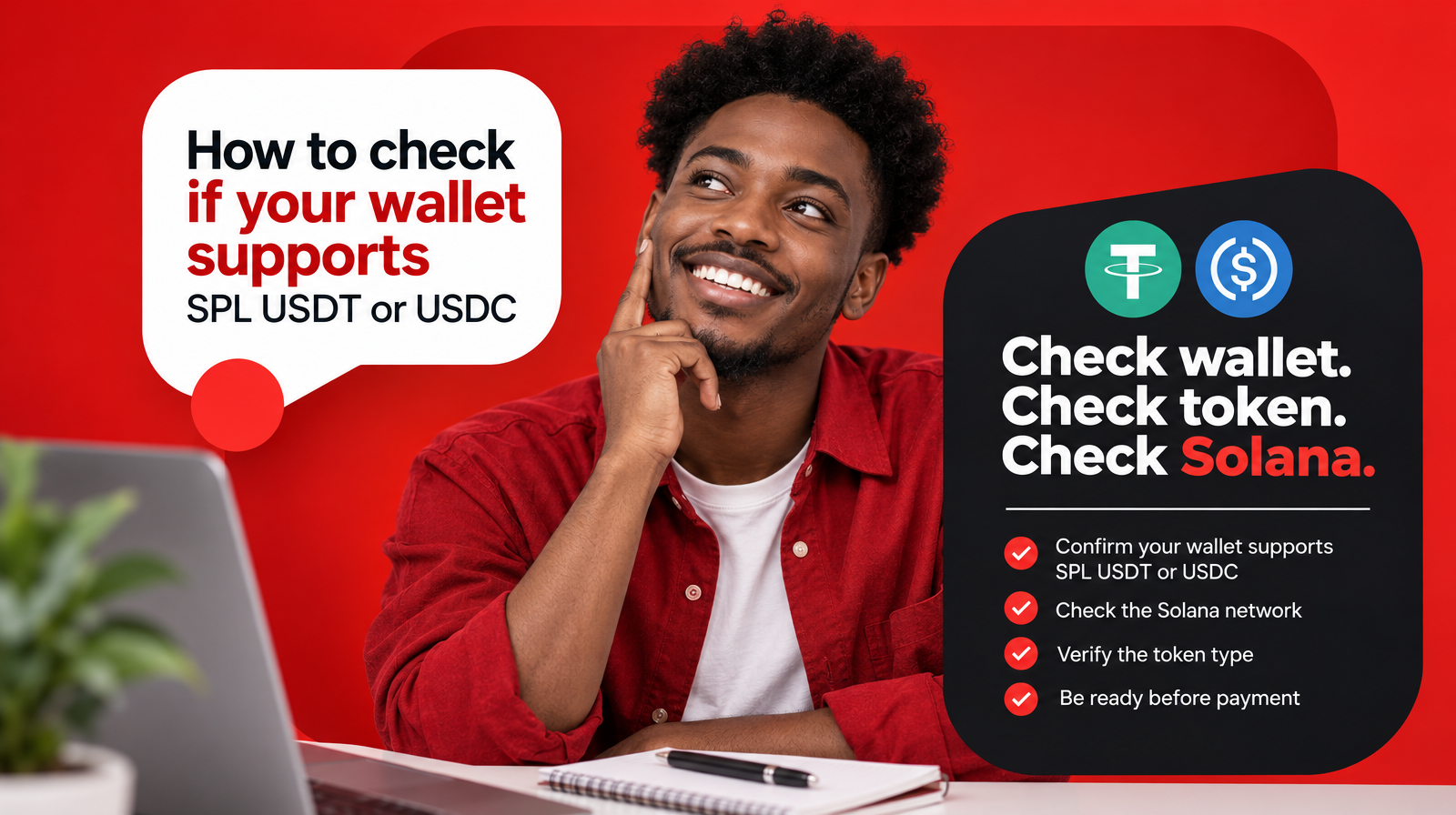
Muno currently supports USDT and USDC as SPL tokens on Solana. Before paying, confirm that your wallet supports the selected asset on the Solana network.
Do not check only whether your wallet supports “USDT” or “USDC” in general. The network matters. A wallet may display an asset name while supporting a different network or token format.
4. Check the destination wallet
Review the wallet address carefully before confirming the purchase. A crypto transfer is directed to the wallet details provided for the order, so the destination should be yours and should be able to receive the selected SPL token on Solana.
Check:
- the wallet address;
- the selected asset;
- the Solana network;
- whether the wallet can receive SPL USDT or SPL USDC;
- whether the address was copied correctly.
If you are unsure how to check compatibility, do not guess. Verify the wallet’s supported asset and network before paying.
5. Review the purchase details
Read the current order information before transferring Naira. Confirm the asset, amount, expected delivery and any fees or other details shown for that purchase.
The purpose of reviewing these details is not to predict a future rate or outcome. It is to ensure that you understand what you are approving at the moment you pay.
6. Use only the current payment instructions
The one-time account is connected to the purchase you are completing. Use the account name, account number and amount shown in the current Muno payment instructions.
Avoid:
- reusing details from a previous order;
- sending a different amount without checking the instructions;
- transferring money to payment details shared by an unrelated person;
- paying before you have reviewed the asset and destination wallet.
If the information on your bank transfer screen does not match the current purchase instructions, stop and recheck before proceeding.
Where is the purchased crypto delivered?
The purchased USDT or USDC is delivered to your own destination wallet after payment confirmation. It is not intended to remain in a general Muno balance.
This is an important difference between the payment account and the wallet:
- You send Naira to the one-time virtual account.
- Muno verifies that payment.
- The purchased USDT or USDC is sent to the wallet you specified.
- The crypto is handled as the supported SPL asset on Solana.
Muno describes its service as non-custodial, and its website states that there is no Muno balance holding customer funds between transactions. For a buyer, that means the wallet you confirm before paying is not a minor detail. It is the destination for the crypto you are purchasing.
Why should you confirm your wallet before buying?
A wallet check helps prevent a mismatch between what you purchase and what your wallet can receive.
For example, you may intend to buy USDC but provide a wallet that is prepared for another network. Or you may copy an address incorrectly. Checking the asset, network and address before payment gives you an opportunity to correct the details before the transaction moves forward.
A practical rule is:
Do not pay until you know exactly which asset you are buying, which network it uses and which wallet will receive it.
This is especially important when buying USDT or USDC because the same asset names can appear across different networks.
What happens after the payment is verified?
After Muno verifies the Naira payment, the purchased crypto is delivered to the destination wallet provided for the order. The wallet should then show the relevant USDT or USDC balance once the transfer has been completed and recognised by the wallet.
The exact status of a current transaction should be checked through the purchase information and any updates provided by Muno. If you have paid but are unsure about the order stage, avoid making a second payment until you have checked the original transaction and contacted Muno’s customer support if necessary.
Does Muno hold the purchased crypto in a platform balance?
According to the website information supplied for Muno, purchased crypto is delivered to the customer’s own wallet after payment confirmation rather than being held in a general Muno balance.
That means the purchase flow has two distinct endpoints:
- Payment endpoint: the one-time virtual account receives the Naira for the current purchase.
- Crypto endpoint: your own wallet receives the USDT or USDC you bought.
Muno’s non-custodial positioning also means the service is designed around customers using their own wallets rather than keeping crypto in a standing Muno balance.
One-time virtual account checklist
Before buying USDT or USDC with Naira in Nigeria, confirm:
- I selected the buy route.
- I selected USDT or USDC correctly.
- I understand that Muno currently supports these assets as SPL tokens on Solana.
- My destination wallet supports the selected asset on Solana.
- The wallet address belongs to me and is copied correctly.
- I reviewed the current purchase details.
- I am using the one-time payment instructions for this purchase.
- I am not paying a P2P seller or an unrelated person.
- I understand that the crypto will be delivered to my own wallet after payment confirmation.
- I will not reuse old payment details for a new order.
The main takeaway
A one-time virtual account for buying USDT or USDC in Nigeria is a transaction-specific route for paying Naira. It is not the same as paying a P2P seller directly, and it is not the wallet that receives your crypto.
With Muno, the practical sequence is: choose the asset, review the purchase, confirm your Solana destination wallet, pay the current one-time virtual account and wait for payment confirmation. The purchased USDT or USDC is then delivered to your own wallet rather than held in a general Muno balance.
Before you start, review the current purchase instructions at Muno.ng and make sure the asset, network, wallet and payment details all match.