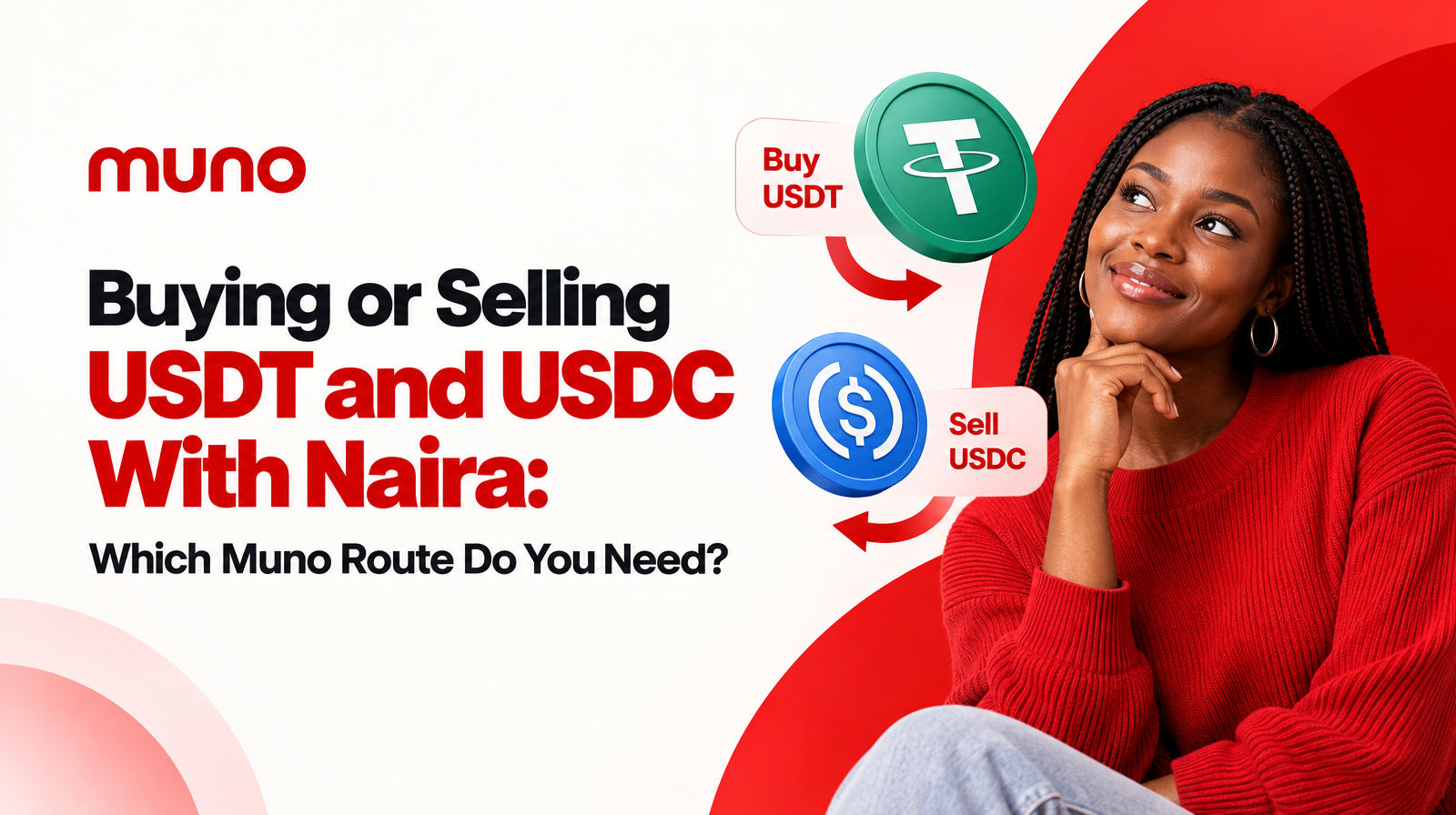
If you have Naira and want USDT or USDC, use Muno’s buy route. If you already hold supported USDT or USDC and want Naira in your Nigerian bank account, use the sell route.
The difference is the direction of the transaction:
- Buy: Naira starts with you and crypto goes to your wallet.
- Sell: Crypto starts in your wallet and Naira goes to your bank or supported neobank.
Muno supports buying and selling USDT and USDC with Naira in Nigeria. The supported assets are USDT and USDC as SPL tokens on the Solana network, so checking the asset and network is an important part of choosing the correct route.
Buy or sell? The quick decision
Use this simple test:
What do you have now, and what do you want to receive?
| Your starting position | Your goal | Muno route | What you provide | What you receive |
|---|---|---|---|---|
| Naira | USDT or USDC | Buy | Naira payment and a destination wallet | Crypto in your own wallet |
| USDT or USDC | Naira | Sell | Supported crypto from your wallet and bank details | Naira in your bank or supported neobank |
The route is not determined by whether you want USDT or USDC. Both assets are supported for buying and selling. It is determined by whether you are moving from Naira to crypto or from crypto to Naira.
When should you use Muno’s buy route?
Choose the buy route when you want to use Naira to purchase USDT or USDC.
Your transaction begins with a Naira payment. Before completing it, you review the purchase details and provide the wallet where the crypto should be delivered. After payment confirmation, Muno sends the purchased crypto to your own wallet.
This route may be right for you if:
- You have Naira available in a Nigerian bank account.
- You want to receive USDT or USDC.
- You already have a compatible wallet.
- You want to pay for the purchase rather than send crypto out.
- You need the purchased asset delivered to a wallet you control.
Muno’s buying route uses a one-time virtual account for the payment rather than requiring you to pay a P2P seller. The payment instructions shown for the current purchase are the ones to follow.
What do you provide when buying USDT or USDC?
Before confirming a buy transaction, review these details:
- The asset: Confirm whether you selected USDT or USDC.
- The network: Confirm that the transaction is for the supported SPL token on Solana.
- The destination wallet: Check that the wallet address belongs to you and is ready to receive the selected asset.
- The payment details: Use the instructions shown for the current purchase.
- The transaction outcome: Review how much Naira is required and the amount of crypto you expect to receive.
- The applicable fees: Check the fees and other transaction information shown before confirmation.
A buy transaction ends with crypto delivery. The destination is your wallet, not a Muno-held trading balance.
Where does purchased crypto go?
After your payment is confirmed, the purchased USDT or USDC is delivered to the wallet you provided for the transaction.
That makes the destination-wallet check especially important. Confirm the wallet address, asset and network before you complete payment. A wallet that supports crypto generally is not automatically compatible with every version of USDT or USDC. For Muno, the supported form is the SPL token on Solana.
When should you use Muno’s sell route?
Choose the sell route when you already hold supported USDT or USDC and want to convert it to Naira.
Your crypto starts in your own wallet. You select the asset to sell, review the quote and fees, confirm the bank or neobank payout details, and send the crypto to the deposit address generated for that swap. After network confirmation, Muno pays the resulting Naira to the supported payout destination.
This route may be right for you if:
- You already hold USDT or USDC.
- The asset is the supported SPL token on Solana.
- You want Naira rather than more crypto.
- You have a supported bank or neobank account for the payout.
- You are ready to send the crypto for the current swap.
Muno is non-custodial. It does not hold a customer crypto balance between transactions. Your crypto stays in your own wallet until you choose to send it for a swap.
What do you provide when selling USDT or USDC?
Before confirming a sell transaction, check:
- The asset: Confirm whether you are selling USDT or USDC.
- The token network: Confirm that the asset is an SPL token on Solana.
- The amount: Check the crypto amount you intend to send.
- The quote: Review the expected Naira outcome before proceeding.
- The fees: Check the network fee and service fee shown in the transaction details.
- The payout destination: Confirm the bank or neobank details for receiving Naira.
- The deposit address: Send crypto only to the fresh deposit address generated for that specific swap.
Muno generates a fresh deposit address for each swap, and the address expires after that transaction. Do not rely on an address from an earlier sale. Use the current address and instructions shown for the swap you are completing.
Where does the Naira go after selling?
After the crypto transfer is confirmed on the network, the Naira payout goes to the supported bank or neobank details provided for the transaction.
The crypto wallet and payout bank serve different purposes:
- Your wallet is where the USDT or USDC starts.
- The Muno deposit address is where you send the crypto for the current swap.
- Your bank or neobank is where the resulting Naira is paid.
Review the payout details before sending. Sending crypto and checking the bank account afterward are separate parts of the sell route.
What is different about buying and selling?
The clearest difference is what you need to prepare.
For buying, prepare:
- Naira for the payment.
- A compatible destination wallet.
- The correct USDT or USDC selection.
- The correct Solana network.
- The payment instructions for the current purchase.
For selling, prepare:
- Supported USDT or USDC in your wallet.
- The correct Solana network.
- A bank or neobank account for the Naira payout.
- The current swap quote and fee details.
- The fresh deposit address generated for that swap.
The actions also happen in a different order. A buy begins with payment and ends with crypto delivery. A sell begins with crypto held in your wallet and ends with a Naira payout after network confirmation.
Does Muno support both USDT and USDC?
Yes. Muno supports both USDT and USDC for buying and selling with Naira in Nigeria.
However, the token name alone is not enough to confirm compatibility. USDT and USDC can exist on different networks. Muno currently supports the SPL versions on Solana, so confirm that your wallet, selected asset and transaction network match before proceeding.
If you are unsure whether the asset in your wallet is the supported version, do not send it until you have checked the transaction details and available route.
What should you review before confirming?
Whether you are buying or selling, use this short pre-confirmation checklist:
- Direction: Am I buying crypto with Naira or selling crypto for Naira?
- Asset: Is the selected asset USDT or USDC?
- Network: Is it the SPL token on Solana?
- Destination: For a buy, is the receiving wallet correct? For a sell, is the payout bank correct?
- Amount: Does the amount match what I intend to pay or send?
- Fees: Are the applicable fees visible?
- Instructions: Am I following the instructions generated for this current transaction?
- Outcome: Do I understand whether the result will be crypto in my wallet or Naira in my bank?
Muno shows transaction details and applicable fees before confirmation. Use that information to check the complete transaction rather than relying only on the asset name or a headline rate.
Choosing the correct Muno route
The decision can be reduced to two sentences:
- I have Naira and want USDT or USDC: choose Muno’s buy route, provide a compatible wallet and complete the displayed payment instructions.
- I have USDT or USDC and want Naira: choose Muno’s sell route, review the quote, confirm your payout details and send the supported Solana token to the current deposit address.
Muno provides both routes for Nigerian traders, with crypto delivered to the customer’s own wallet on purchases and Naira paid to a supported bank or neobank on sales.
Before you begin, confirm the direction, asset, network, wallet or payout destination, fees and current transaction instructions. Then review the appropriate route at Muno.ng.