If you have sent USDT or USDC to sell for Nigerian Naira, your payout status helps you understand whether the swap is still moving through the process or whether the Naira payout has been completed.
With Muno, the sequence is:
- You review the swap details and expected Naira payout.
- You send the supported crypto.
- The transaction reaches network confirmation.
- Muno processes the Naira payout.
- The Naira is paid to your bank account.
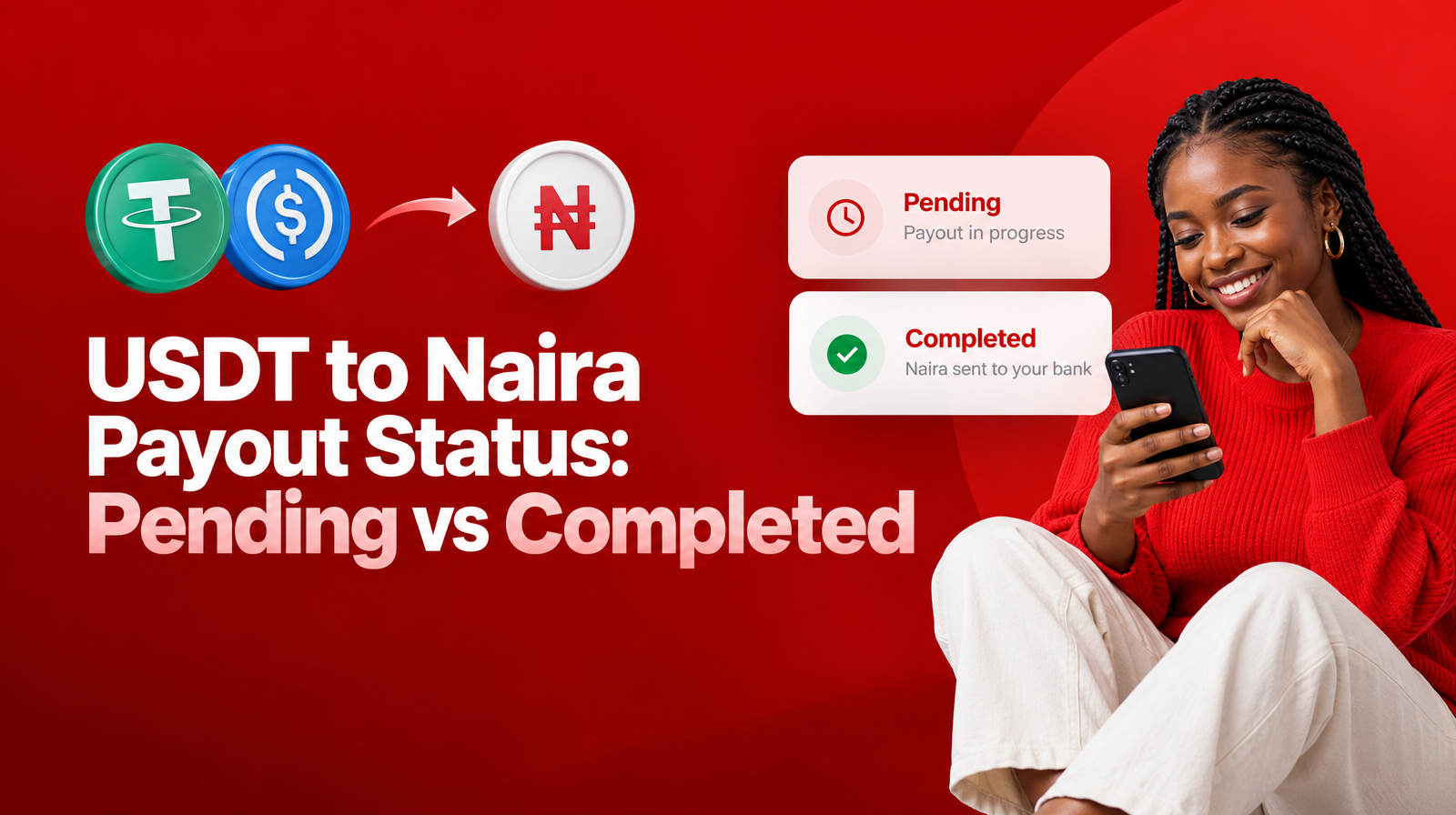
A pending status generally means the swap has not reached its completed stage yet. A network-confirmed transaction means the blockchain has recognised the transfer and the payout can proceed. A completed status means the swap has reached its finished stage, but you should still verify the actual Naira credit in your Nigerian bank account.
What does “pending” mean for a USDT to Naira payout?
A pending USDT to Naira payout means the transaction is still being processed. It does not, by itself, mean that the swap has failed or that your crypto is missing.
After you send USDT or USDC, the transfer must first be recognised by the relevant blockchain network. Muno supports USDT and USDC on Solana as SPL tokens, so the asset and network used for the transaction need to match the swap details.
While a swap is pending, the next step may involve:
- Recognition of the crypto transfer
- Network confirmation
- Processing of the Naira payout
- Movement of the payout to your bank
The correct response to a pending status is usually to review the swap in the Muno app and allow the process to move through its required stage. Muno provides swap tracking and payout alerts in its iOS and Android app, giving you a place to follow the transaction rather than relying only on repeated bank checks.
What not to assume when a swap is pending
A pending status does not necessarily mean:
- Your bank has rejected the payout
- You need to send the crypto again
- You should create a second swap
- The transaction has been completed
- The transaction has failed
Sending the crypto again without checking the original swap could create additional confusion. First, confirm which transaction you sent, which asset and network you used, and whether the Muno swap details show a progress update.
What does network confirmation mean?
Network confirmation is the point at which the blockchain network recognises the crypto transaction as confirmed.
This stage matters because the Naira payout follows network confirmation. Pressing Send in your wallet only starts the transfer; it does not mean the transfer has already been confirmed or that the bank payout has been completed.
For a Muno sale, the relevant checks include:
- The asset was USDT or USDC as supported for the swap
- The Solana network matched the swap instructions
- The crypto was sent to the deposit address created for that swap
- The transaction was submitted successfully from your wallet
- The transaction can be matched to the swap you initiated
Muno’s website states that Naira clears to the customer’s bank around 60 seconds after network confirmation. That timing describes the stage after confirmation, not a guarantee that the entire process will always finish at a fixed time. The status in your Muno tracking view remains the more useful reference for your specific swap.
Pending, network-confirmed and completed: the practical difference
The terms below describe different points in the transaction journey. The exact wording displayed for a particular transaction should be treated as the authoritative status for that swap.
| Stage | What it indicates | What you should do |
|---|---|---|
| Pending | The swap is still being processed and has not reached its final stage. | Check Muno swap tracking, confirm the transaction details and avoid sending again without guidance. |
| Network confirmed | The blockchain has confirmed the crypto transfer, allowing the Naira payout process to proceed. | Monitor the payout update and prepare to verify the bank account. |
| Completed | The swap has reached its completed stage in the tracking process. | Check the bank account connected to the payout and confirm the Naira credit. |
A status is useful because it separates two questions that are often confused:
- Has the crypto transfer been confirmed on the network?
- Has the Naira payout reached the bank stage?
Network confirmation answers the first question. A completed payout status relates to the later outcome. Neither should be replaced by an unofficial message, a screenshot or a notification that you cannot verify.
How to check your Muno swap status after sending USDT or USDC
Muno provides swap tracking and payout alerts through its iOS and Android app. To review your transaction:
- Open the Muno app you used for the swap.
- Go to the relevant swap or activity record.
- Match the transaction with the crypto asset you sent.
- Review the current status and any available payout update.
- Check your Nigerian bank account once the payout has reached the relevant stage.
Use the transaction details carefully if you have more than one recent swap. Confirm the asset, direction and approximate time of the transaction before deciding that an update belongs to the transfer you just made.
Tracking and alerts serve different purposes. Tracking gives you a place to review the swap’s progress. A payout alert tells you that Muno has issued an update about the payout stage. Your bank notification, meanwhile, comes from your bank and indicates activity on the bank account itself.
These signals should support one another, but they are not interchangeable.
What does a completed payout mean?
A completed status means the Muno swap has reached its completed stage. For a sale, the intended outcome is the Naira payout to the bank account connected to your Muno account.
Once you see a completed update, verify the actual credit in your bank account. Check:
- The account connected to the Muno payout
- The credited amount against the expected payout
- The transaction date and time
- Your bank’s transaction history, not only a push notification
A completed status and a bank alert answer different parts of the question. The Muno status relates to the swap. The bank record confirms what has arrived in your account.
If the status says completed but the Naira is not visible in your bank account, allow time for the bank’s transaction display to update, then review the account history directly. If the credit remains unavailable, gather the swap details before contacting Muno’s dedicated customer support.
Why might your bank account not show the Naira immediately?
There can be a short difference between a payout update and what appears in your bank app or account history. A bank notification may arrive later than the transaction record, or the account balance may need to refresh.
Before treating the situation as a failed payout, check:
- Whether the Muno swap is still pending
- Whether the network confirmation has occurred
- Whether the payout has reached the completed stage
- Whether you are checking the correct Nigerian bank account
- Whether the bank app or transaction history has refreshed
- Whether the expected payout matches the transaction you are reviewing
Do not rely solely on a message claiming that money has been sent. Verify the credit in your own bank account. This is especially important when selling crypto: the final confirmation should be the actual Naira credit, not an image or message supplied by someone else.
What should you verify if the status has not changed?
If your payout status has not changed, work through a simple diagnosis before escalating.
1. Check the transaction details
Confirm that you sent the same asset shown in the swap. Muno supports USDT and USDC on Solana as SPL tokens. A network mismatch can prevent a transaction from progressing as expected.
2. Confirm the deposit address
Muno creates a fresh deposit address for each swap, with its own expiry. Compare the address used in your wallet with the address generated for that specific transaction. Do not assume an address from an earlier swap is still valid for a new one.
For a broader pre-send review, see this USDT to Naira swap checklist.
3. Confirm that the wallet transaction was submitted
A transfer that was prepared but not successfully sent will not progress like a confirmed transaction. Review the wallet activity connected to the swap.
4. Check the Muno tracking view and alerts
Look for the latest update in your Muno swap activity. Also review whether payout alerts are available for the transaction in the app.
5. Avoid starting a duplicate swap
If you are unsure what happened, do not create another transaction simply because the first status has not changed. Keep the original swap details and seek support so the transaction can be checked properly.
When should you contact Muno customer support?
Contact Muno’s dedicated customer support when the status remains unchanged after you have checked the transaction details, or when the information in the app and your bank account do not appear to match.
Have the following information ready:
- The swap record or transaction reference shown in Muno
- The asset you sent: USDT or USDC
- The network used
- The time you sent the crypto
- The wallet transaction details
- The bank account you expected to receive the Naira
- Any relevant status or payout update
Do not share your wallet recovery phrase, private key or authenticator code with anyone claiming to provide support. Those credentials are not needed to identify a Muno swap.
A simple post-send checklist
After sending USDT or USDC for Naira, use this sequence:
- Review: Open the relevant Muno swap record.
- Match: Confirm the asset, Solana network and deposit address.
- Track: Check whether the swap is pending or has moved forward.
- Wait for confirmation: The Naira payout follows network confirmation.
- Watch for updates: Review available Muno payout alerts.
- Verify: Check the actual Naira credit in your bank account.
- Escalate: Contact Muno customer support if the status and bank record do not align.
Final takeaway
A USDT to Naira payout status is a progress indicator, not a substitute for understanding the transaction stages.
Pending means the swap is still being processed. Network confirmed means the crypto transfer has been recognised on the blockchain and the Naira payout can proceed. Completed means the swap has reached its finished stage in the tracking process, after which you should verify the Naira credit in your bank account.
Muno gives Nigerians selling USDT or USDC a way to track swaps and receive payout alerts in its iOS and Android app. If you check the asset, network, deposit address and bank account carefully, you can respond to a status update with the right next step instead of guessing.