If you hold USDT or USDC on Solana, turning it into naira should not require a negotiation. Yet for years, the default route in Nigeria has been P2P: find a buyer, haggle over the rate in a chat window, send your coins, then wait — sometimes minutes, sometimes much longer — for a stranger to press "send" on their bank app.
This guide walks through the calmer alternative: selling USDT or USDC for naira on Muno, step by step. It covers exactly what happens at each stage, what you see before anything moves, and why the process is designed the way it is. By the end, you will know precisely what to expect from the moment you type an amount to the moment the naira clears into your bank.
What You Need Before You Start
The checklist is short, and it is worth getting right before your first swap:
- USDT or USDC on Solana. Muno supports SPL tokens on the Solana network today, with more networks rolling out. If your stablecoins sit on a different network, they are not what you send for a Muno swap.
- A Nigerian bank or neobank account in your own name. Payouts go over NIBSS to more than 40 institutions — Kuda, GTBank, Opay, Moniepoint, Access, PalmPay, Zenith, UBA, Wema, First Bank, Sterling, Fidelity and more. Same speed whether it is a neobank or a traditional bank.
- NIN verification, done once. This happens a single time, so your payouts clear to your own bank without holds. It is not repeated per transaction.
- Authenticator 2FA on your account. Required at sign-in and whenever payout details change.
That is the whole setup. There is no Muno wallet to fund and no balance to top up — which brings us to the most important structural point in this entire walkthrough.
Step 1: Get a Live Quote and Lock the Rate
Everything starts with a number. You type the amount of USDT or USDC you want to sell, and Muno shows you a live quote immediately.
This is the moment most platforms blur. Muno does the opposite: the quote screen itemises everything. You see the rate, the gross naira amount, the network fee, and the service fee — two fees, both on screen — and then the final figure: what you receive. To make it concrete, here is the shape of a sample quote for selling 100 USDC:
- Gross amount: the naira value at the live rate
- Network fee: itemised separately
- Service fee: itemised separately
- You receive: the exact naira that lands in your bank
The principle behind this is simple: you see the naira before you send a coin. The rate on the quote is the rate that settles. Nothing is hidden in a spread, and there is no surprise deduction after your crypto has already left your wallet. If the quote does not suit you, you simply do not proceed — nothing has moved, and nothing is owed.
If you want a deeper explanation of how crypto-to-naira rates are built and why two platforms can quote different figures for the same coin, read our companion guide: How Crypto to Naira Rates Work: A Nigerian Trader's Guide.
Step 2: Send the Coins to a One-Time Address
Once you accept the quote, Muno generates a Solana deposit address for that one swap — and only that swap. It comes with its own countdown timer, and when the swap is done, the address dies. It is never reused.
This detail matters more than it might seem:
- A fresh address per swap means your transactions are cleanly separated. Yesterday's address does not belong to today's cash-out.
- The expiry keeps every order time-bound and unambiguous.
- You can scan the QR code or paste the address directly into your wallet — whichever your wallet app supports.
You send the exact amount from the quote, on Solana, to that address. Until you do, your coins remain exactly where they have always been: in your own wallet, under your own control.
Step 3: Get Paid — Around 60 Seconds After Confirmation
Here is where the clock starts, and it is worth being precise about when it starts. The payout timer begins after the Solana network confirms your transfer, not when you tap send in your wallet. Network confirmation is the moment the blockchain finalises your transaction; from there, Muno pays out.
Around 60 seconds later, the naira clears into your bank — the bank you already use, over NIBSS, at the same speed whether it is Kuda or GTBank. In the Muno app, you can track the order and get payout alerts as it completes.
One honest caveat: the ~60 seconds counts from network confirmation. If Solana itself is slow to confirm, that part is outside any platform's control. What Muno controls — the quote, the rate lock, the payout — happens at the speed stated.
Why There Is No "Middle" Where Your Money Sits
The design question behind this entire flow is: who touches your money between wallet and bank? On Muno, the answer is essentially nobody.
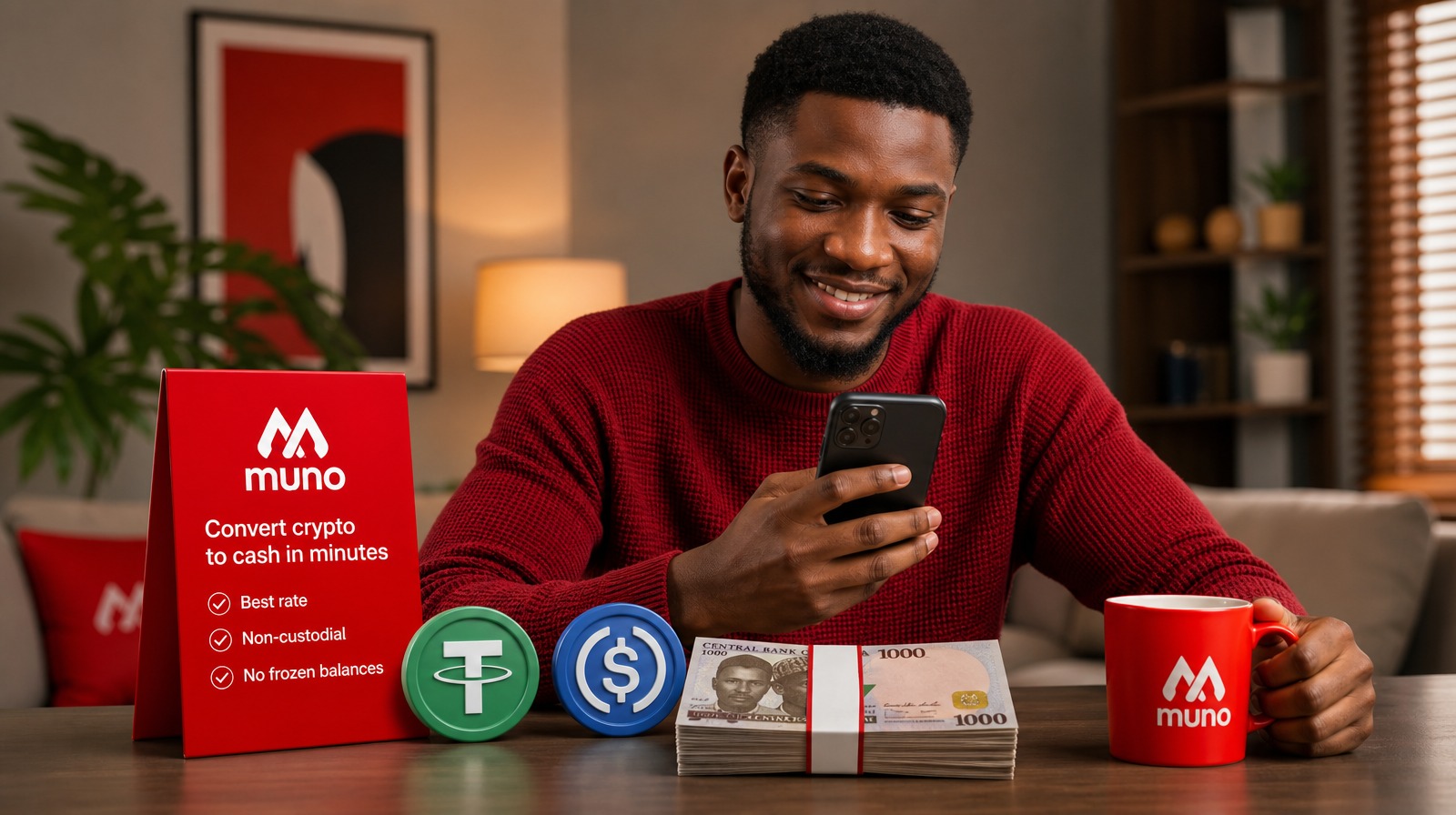
Muno is non-custodial. There is no Muno balance to freeze. Your coins stay in your wallet until the second you send them to the one-time address, and the naira goes straight to your bank. Nothing of yours sits with the platform in between. That is a deliberate architectural choice, not a marketing phrase — it is why there is no withdrawal queue, no "balance pending review," and no account freeze risk on funds you never deposited.
We unpack the custody question in full here: Who Holds Your Money When You Cash Out USDT in Nigeria?
Common Mistakes to Avoid on Your First Swap
- Sending on the wrong network. Muno takes USDT and USDC as SPL tokens on Solana. Double-check the network in your wallet before sending.
- Reusing an old address. Each swap gets a fresh, expiring address. Always use the one generated for the current order.
- Sending a different amount than quoted. The quote is built around the exact amount you entered.
- Ignoring the countdown. The address has an expiry. Start the swap when you are ready to send.
- Comparing rates carelessly. Compare like for like — sell rate against sell rate, same coin, same direction — and look at the final "you receive" figure, not just the headline rate.
Frequently Asked Questions
Is Muno custodial? No. There is no Muno wallet holding your crypto and no naira balance sitting on the platform. You send coins to a one-time address when you are ready, and the naira goes straight to your bank.
How fast is the payout? Around 60 seconds after the Solana network confirms your transfer.
Which banks are supported? Any NIBSS-connected bank or neobank — 40+ institutions including Kuda, GTBank, Opay, Moniepoint, Access, Zenith, UBA and more.
What can I sell? USDT and USDC on Solana (SPL tokens). More networks are rolling out.
The Whole Thing in Three Steps
Get a live quote and lock the rate. Send the coins to your one-time address. Get paid — naira in your bank about a minute after the network confirms. No chat negotiation, no waiting on a stranger to press send, and no balance of yours sitting anywhere along the way.
Ready to try it? Start a swap at Muno.ng — you can price a swap and see the exact naira before you commit to anything.